Run your villages in sequence from one dashboard
Each account is registered with its own LDPlayer instance. GameBotOps runs one instance at a time, verifies that the game and emulator have closed after the account's turn, then opens the next account.
This limits concurrent emulator load and makes account handovers visible. Sequential operation does not provide protection against account enforcement.
Adding, selecting and ordering accounts
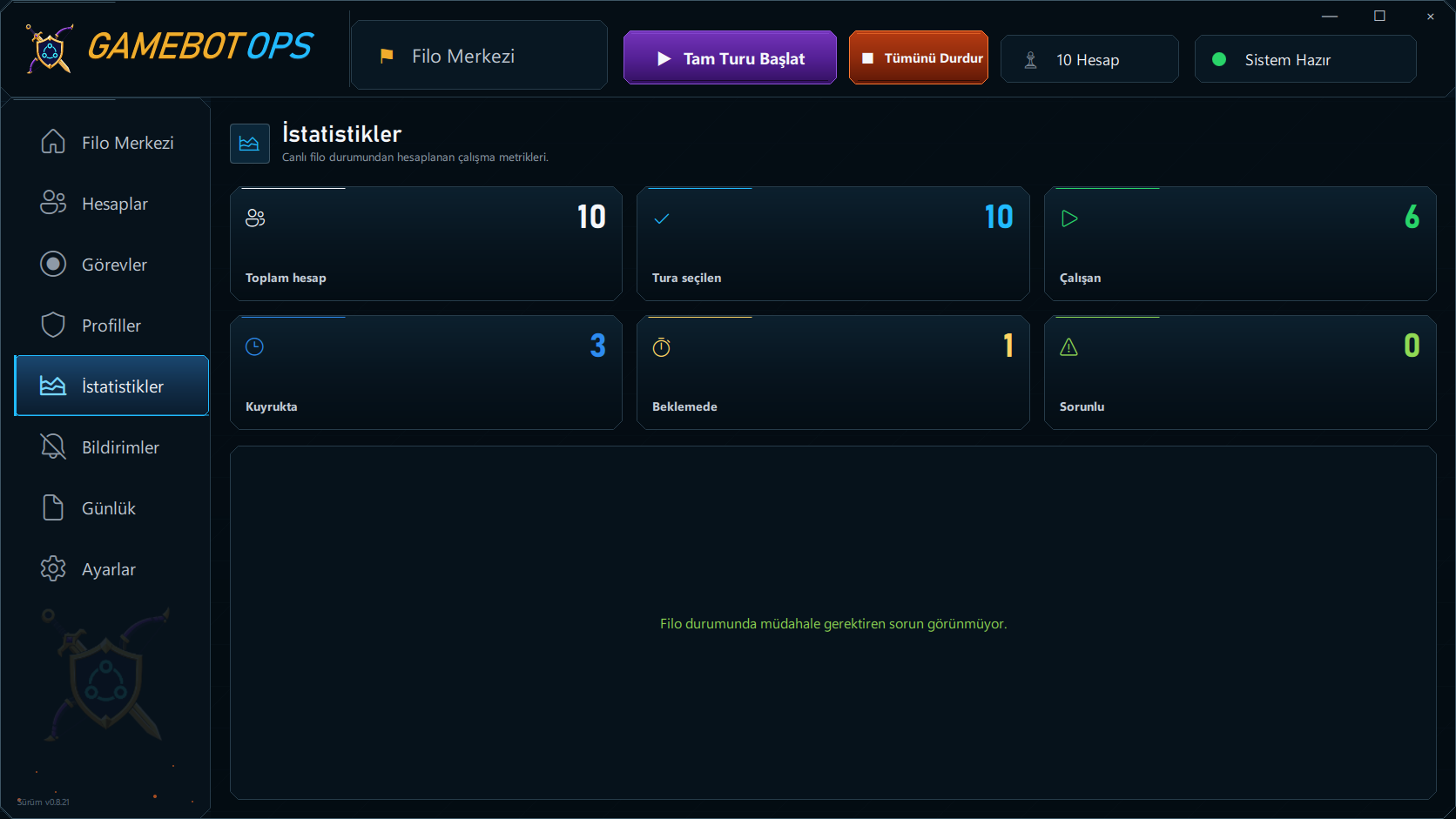
GameBotOps automatically detects the installed LDPlayer 14. Scan LDPlayer finds eligible emulator instances and adds new accounts to the list. New entries do not start automatically; select the accounts to include in the fleet. Up/down controls save their running order.
Scanning updates renamed LDPlayer instances without adding the same instance twice. The individual start control runs one account; per-account stop and Stop all controls are also available.
Single rounds, loop rounds and cooldowns
A single round completes the selected account list once and stops. A loop round restarts the same order after the whole list has completed and selected accounts have finished their cooldowns. These options do not change resource and upgrade rules inside each account.
Account selections, order, cooldowns and the continuous-run preference persist. Closing and reopening the dashboard during a cooldown preserves the remaining time. Stopped or failed accounts are not restarted automatically.
Working modes and account settings
Choose Resource only, All upgrades or Walls only. Account configurations carry loot thresholds and session limits, and accounts can have individual cooldowns. The farming guide explains upgrade rules.
The dashboard and supported game controls work in Turkish and English. The dashboard language can be changed in settings without restarting the application; language and theme preferences are saved.
Live feed and persistent resource balances
Filter accounts by name or status and view bot state, cooldown, the last action and errors. The live feed shows decisions for each account. Account cards retain their own session start, finish and date, with visible progress messages during startup and shutdown.
Each account's last verified gold, elixir and dark elixir balances are saved with their measurement time. The last good reading survives account handover and dashboard restarts; it is not a live reading of a closed account.
What happens when an account has a problem?
Retries and startup recovery can run on the same account. Before the next account starts, the current game and emulator must be confirmed closed. If shutdown cannot be verified, the queue waits and the dashboard shows the state requiring attention.
Continuing after every error is therefore not guaranteed. An account that reaches its normal turn limit hands over after shutdown is verified.
Event support and account capacity
Chest openings, card packs, three-choice rewards and temporary event troops are handled within the active account's flow. We update the bot to adapt it at the start of each event; explore event support.
The 1–3 plan covers up to 3 registered accounts and the 3–10 plan covers up to 10; the unlimited plan has no account cap. Hardware and total round duration affect practical capacity. Compare plans.
Your working plan after an update
GameBotOps downloads new releases in the background. Update and restart holds new account starts and waits for active work to reach a safe stopping point. Account records and fleet preferences are kept separately from application files.
After the app reopens and verifies the license, remaining work can resume if the restart record and account selections are still valid. Explore setup and update steps.