What does GameBotOps automate?
GameBotOps is an image-based Windows application for Clash of Clans. It collects village resources, searches for opponents by loot thresholds, uses visible attack cards and handles eligible building or wall upgrades afterwards according to the selected mode.
Supported flows also include chest openings, card packs, three-choice reward screens and temporary event troops. Accounts run in sequence through their own LDPlayer instances and are managed from one dashboard.
How does image-based automation work?
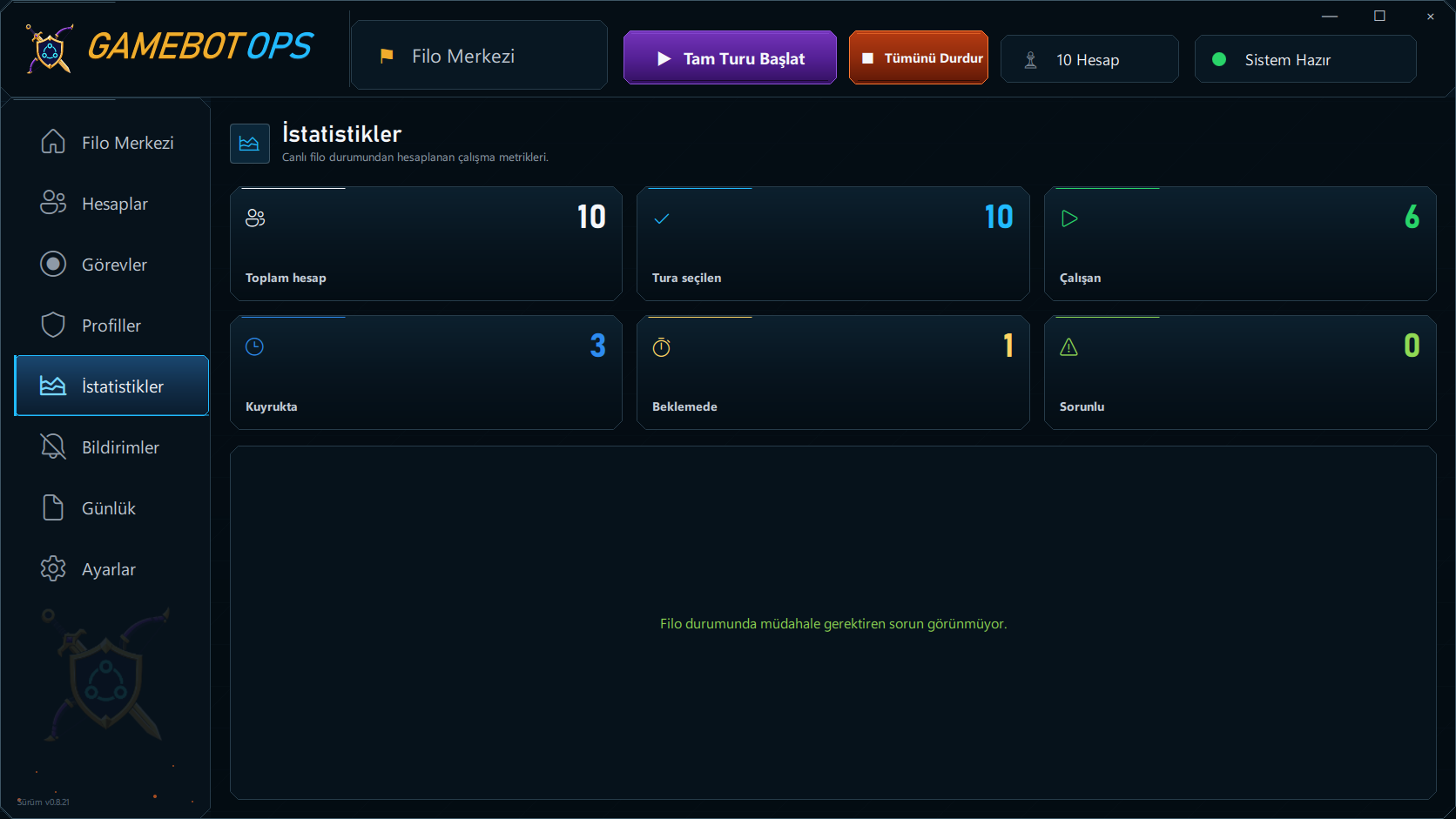
The bot reads the emulator screen, evaluates visible controls and resource values using rules, and sends taps and swipes through ADB. It does not read game memory, interfere with network traffic or patch the game.
Screen changes are checked after actions. For example, unreadable loot is not accepted as sufficient for an attack, and spending is not confirmed if its cost cannot be verified. Image-based operation does not provide protection against account enforcement.
Why does it need LDPlayer?
The GameBotOps screen-reading and tapping flow is built for LDPlayer 14. Supported image settings are 1280 × 720 and DPI 240. Recognition compatibility needs checking if the game image scale changes.
Windows 10 22H2 / Windows 11 (x64), TPM 2.0, local ADB access and online license verification are required. The setup guide explains the application package and adding accounts.
Working modes and automation limits
Resource only saves resources. All upgrades handles eligible normal-builder buildings and walls; Walls only upgrades walls. Town Hall, hero upgrades, laboratory research, Goblin assistance, Gem spending and wall rings are excluded.
Attack automation uses existing visible cards; it does not offer automatic army production or a separate trophy targeting mode. The resource management and attack guides describe current behaviour.
Event tracking and ongoing maintenance
We follow events and update the bot at the start of each event to adapt it to new reward screens and event flows. The event guide explains chest opening, card packs, reward selection and event armies.
When a required game update is detected at startup, installation through Google Play and the return to the game are monitored. Recognised introductory dialogs are dismissed; this does not mean completing every training task on a new account.
Application updates
GameBotOps checks for new releases and downloads them in the background. Once the package is verified, choose Update and restart in the panel to install it. Accounts and settings are preserved; explore updates and repair.
Licensing and the game publisher's rules
A GameBotOps license grants application access; it is not approval from Supercell. The Supercell terms of service prohibit bots and automation; an account may be suspended or terminated.
The product does not promise ban protection. The ban risk page covers usage limitations, while license plans explain account capacity and application updates.